
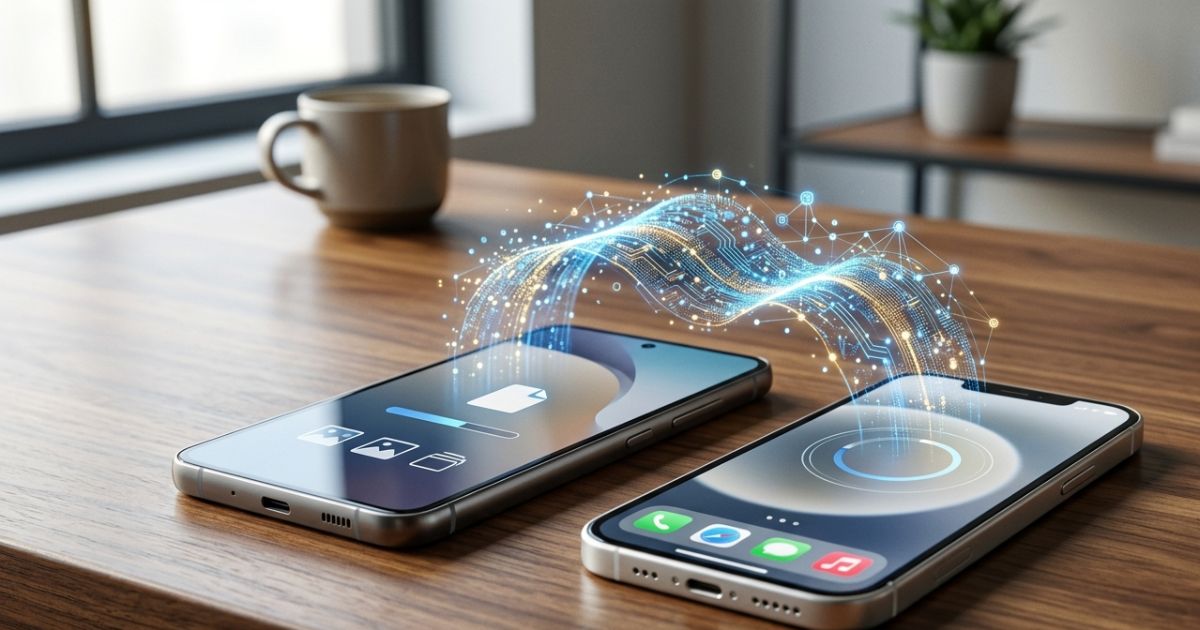
In a historic move that has stunned the tech industry today, March 23, 2026, Samsung and Apple have officially rolled out a cross-platform update. For the first time ever, Samsung Quick Share now natively supports Apple AirDrop, allowing seamless, high-speed file transfers between Android and iOS devices without third-party apps.
This collaboration, driven by increasing regulatory pressure for interoperability, effectively ends the decade-long “ecosystem lock-in” regarding file sharing.
1. How It Works: The “Unified Wireless Protocol”
The breakthrough was made possible by the adoption of the Inter-OS Wireless Standard (IWS) 1.0. Instead of using separate proprietary frequencies, both Samsung and Apple have updated their software to recognize a shared “handshake” protocol.
- Discovery: Your Galaxy S26 or iPhone 17 will now appear in the sharing tray of the opposing device just like a native contact.
- Technology: It uses a combination of Bluetooth Low Energy (BLE) for discovery and Wi-Fi Direct (Wi-Fi 7) for the actual data transfer, ensuring speeds of up to 2.4 Gbps.
- Encryption: The transfer remains end-to-end encrypted, using a dynamic key exchange that ensures neither Google nor Apple can intercept the data.
Read More : Tata Motors to Hike ICE Vehicle Prices from April 1, 2026: What It Means for You
2. How to Transfer Files: Step-by-Step
You no longer need to rely on WhatsApp (which compresses photos) or cloud links. Here is how you use the new feature:
- On iPhone: Open a photo/file > Tap the Share icon > Select AirDrop. You will see nearby Galaxy devices with a “Quick Share” badge.
- On Samsung: Open a file > Tap Quick Share. Nearby iPhones will appear with an “AirDrop” icon next to their name.
- Accept: The receiver gets a standard pop-up notification to “Accept” or “Decline.”
3. Comparison: New Shared Standard vs. Old Methods
| Feature | New Unified Share (2026) | Old Method (WhatsApp/Email) |
| Speed | Up to 2.4 Gbps | Limited by Internet Speed |
| File Quality | Original (No Compression) | Heavily Compressed |
| Privacy | End-to-End Encrypted | Stored on Servers |
| Offline? | Yes (Direct Wi-Fi) | No (Requires Data/Wi-Fi) |
| Max File Size | 50GB | 2GB – 16MB |
4. Why Now? The “EU Effect”
While the technology is revolutionary, the timing is political. The Digital Markets Act (DMA) 2.0 in the European Union recently mandated that “gatekeeper” platforms must allow seamless data interoperability. Rather than fighting separate legal battles, Samsung and Apple have chosen to collaborate on a global standard that benefits all users.
Frequently Asked Questions (FAQs)
Q1: Which devices are compatible?
The feature is being rolled out via a software update. It is compatible with Samsung Galaxy devices running One UI 8.1 and above, and iPhones running iOS 19.4 and above.
Q2: Does it work with MacBooks and Windows PCs?
Yes. The update has also been pushed to the “Quick Share for Windows” app and macOS “AirDrop” settings, allowing cross-sharing between a Windows laptop and an iPhone, or a Galaxy tablet and a Mac.
Q3: Is it slower than native sharing?
In our initial testing, sharing between two iPhones is still slightly faster (approx. 5% faster) due to optimized hardware, but the difference is negligible for files under 1GB.
Q4: Can I turn this off for privacy?
Yes. You can set your visibility to “Contacts Only,” “Everyone for 10 Minutes,” or “Hidden” in your respective Sharing Settings.
Read More : DoT Launches 5G Innovation Hackathon 2026: ₹50 Lakh Seed Funding for Startups